
Games to Play When You're Bored at Work

A short break during the workday can refresh your focus and lift your mood. The trick is choosing a game that loads quickly, plays smoothly, and pauses when you need to switch back.
This guide covers 20 browser games that are easy to play during a short work break. They are quick to pick up, easy to pause, and simple to play on your computer. Several are available for free at Solitaire.com, with no downloads and no intrusive ads.
Quick Games for a Five-Minute Break
The best break games finish in five minutes or less. That length is enough to clear your head without losing your workflow. Short games also make it easier to stop when work calls again.
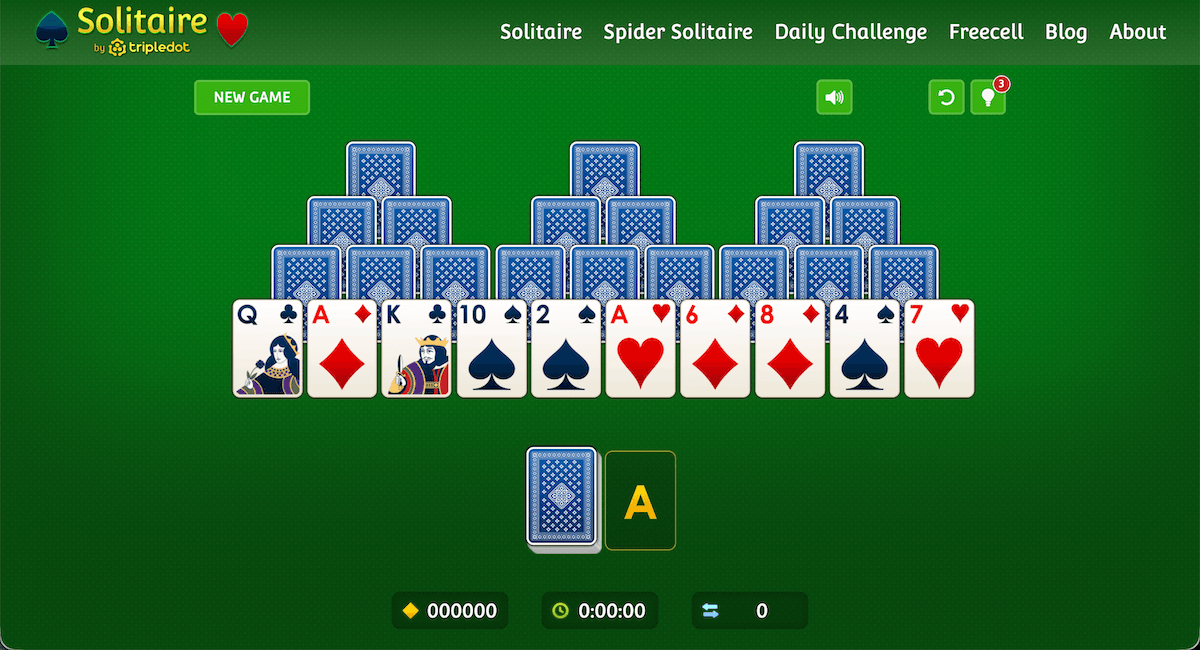
TriPeaks Solitaire is one of the quickest card options, with most rounds under 10 minutes. 2048 is a number-merging puzzle that you can stop after any move. Wordle gives you one word a day, which works well for a coffee break.
Tetris-style block puzzles also fit this mood, since each game has a clear stopping point. Minesweeper, the Windows classic, can finish in seconds on easy mode. These games are simple choices when you want a short reset.
Card Games You Can Play at Your Desk (Solitaire, FreeCell, Spider)
Card games are classic desk-break games. They are quiet, familiar, and easy to pause at a moment's notice. The cards do the work, so your tired mind gets a real rest.
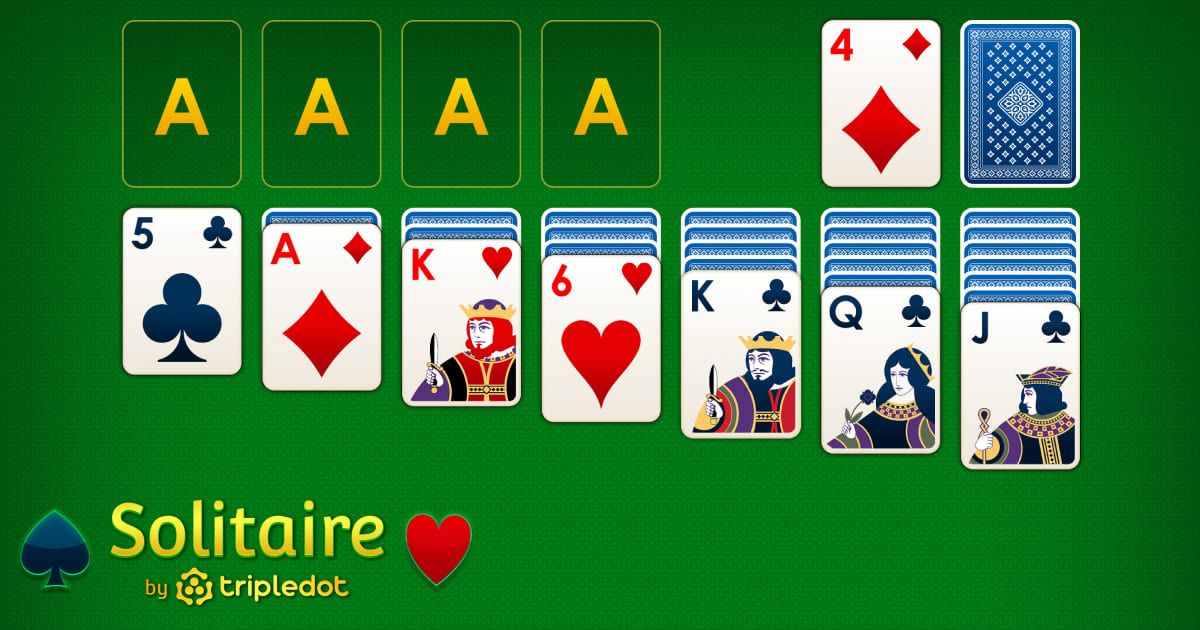
Classic Solitaire is the most familiar choice. You build four foundation piles by suit, from Ace to King. The pace is yours, and unlimited undo means one mistake does not have to end the round.
FreeCell deals every card face-up across eight columns. You also get four free cells for temporary storage. Nearly every deal is winnable, so it rewards careful thinking instead of luck.
Spider Solitaire is the more challenging card game. The 1-suit mode is friendlier and quicker. The 2-suit and 4-suit modes take more planning, so they are better for lunch breaks.
Klondike Turn 3 adds a tougher stock pile draw to the classic game. Pyramid Solitaire is a quiet pairing game where you remove cards that add up to 13. Both load quickly and are easy to pause on Solitaire.com.
Browser Puzzle and Word Games
Puzzle and word games work well at a desk because they look quiet on screen. Most need only a click or a few keystrokes. They also let you think about one small problem at a time.
Sudoku gives you a number grid to fill in slowly. Crosswords and word searches work in the same calm way. Connections, the daily word-grouping puzzle, takes only a few minutes. Online hangman is another quick word game that fits a small window.
Mahjong matches pairs of tiles in a steady rhythm. Bubble Shooter is a casual aim-and-pop game that loads in most browsers. Match-3 games offer simple visual satisfaction without the pressure of a fast arcade game.
Low-Key Games That Won't Get You Caught
Some games are better suited to a work break than others. The best choices have soft colors, no sound, and no flashy animation. They should also be easy to close or pause quickly.
Solitaire is the gold standard here because it looks calm on screen. Sudoku and crosswords also blend into a normal workday. Quiet idle games and gentle puzzle games can fit, too, as long as they do not need audio.
Anything with loud effects, chat, or competitive leaderboards is a poor fit for a focused workplace. Keep the sound off, choose a quiet game, and treat it as a short mental reset between meetings or tasks.
Games You Can Pause and Resume
Some games punish you if you stop midway. Others let you walk away and come back to the same board. The second kind is what you want at work.
All Solitaire variants pause cleanly because the board waits for your next move. Sudoku and crosswords work the same way. Browser chess against a computer also pauses after every move, making it easy to leave it open in a tab.
Online jigsaw puzzles can save your progress as you go. Try the daily Solitaire challenge for one short puzzle that loads fast and gives you a clear stopping point. Avoid timed arcade games, since they end the moment you tab away.
Why Solitaire Is the Classic Desk Game
Solitaire became the classic desk game for a reason. Microsoft included it on Windows computers for decades. That made it the default break activity for an entire generation.
Today, Solitaire.com brings that same familiar comfort to any browser, on your computer, smartphone, or tablet. It loads in seconds, with no download or signup. It also pauses the moment you need to switch tasks.
The game rewards quiet thinking, which can feel like a soft reset for a tired mind. For more places to play, see our list of the best free solitaire sites.
Solitaire.com adds features that fit desk play. Unlimited undo lets you fix a move without restarting. The hint button finds a legal move when you are stuck. Classic scoring keeps the focus on play, not on money.
Play for Free in Your Browser (No Downloads, No Installs)
Every game on Solitaire.com is available to play for free in your browser. There are no downloads, no installs, and no disruptive ads to interrupt your break. You can play on a computer, smartphone, or tablet without changing any settings.
Pick a game that fits your break. TriPeaks works well when you only have a few minutes, while Classic Solitaire is familiar and easy to pause. FreeCell offers more strategy, Spider is better for a longer break, and Pyramid is simple to start.
The 20 games above all fit a short work break. The Solitaire variants are the fastest way to start playing. Choose the one that matches your mood, and your next break is ready to begin.